 TikTok Chat
Have your TikTok LIVE chat read aloud, for free
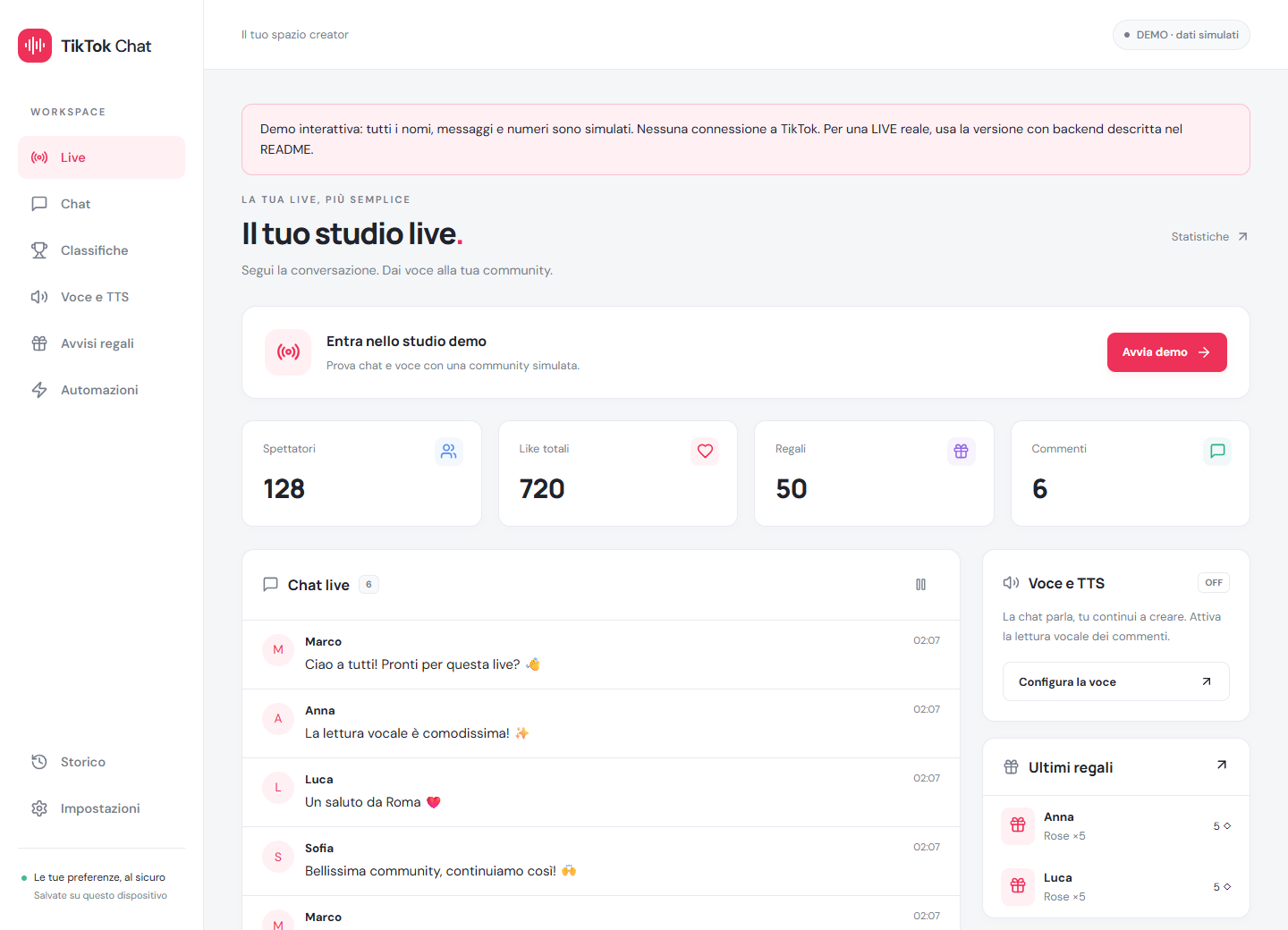
TikTok Chat connects the chat of a TikTok LIVE to a voice: a text-to-speech bot reads comments as they arrive, so you can follow the conversation without looking at the screen. It runs in your browser, with nothing to install and no account.
Open the free app No install, no sign-up.
How it works
- Open the app and type the username of the account that is LIVE.
- Press Connect and read chat.
- The voice starts reading comments as they arrive. You can switch it off at any time.
What you get
- Comments read aloud, with adjustable voice, speed, pitch and volume.
- Filters: everyone, followers only, subscribers only, keywords and words to skip.
- Automatic sounds and spoken phrases for gifts, follows and shares.
- Gift and like rankings, live statistics and a history of your latest sessions.
- English, Italian and Spanish interface; light or dark theme.
Why use it
- Free, with no paid plans.
- No login: your TikTok password is never needed.
- Opens on a PC, tablet or phone.
- Your preferences are stored only on your device.
Frequently asked questions
Is it really free?
Yes. There are no subscriptions, paid limits or sign-up.
Do I need to give my TikTok password?
No. You only need the public username of an account that is LIVE at that moment.
Can I use it on the same phone I go LIVE with?
A second device or a PC works better: on a phone, browser audio can stop when the app goes to the background.
Why is the first connection slow?
The free server sleeps when nobody is using it. The first connection can take up to a minute to wake it up.
Which voices can I use?
The voices offered by your browser and device, so they vary from one system to another.
Is this an official TikTok tool?
No. It is an independent tool, not affiliated with TikTok, and it relies on an unofficial connection that TikTok can limit or block.
Open the free app No install, no sign-up.
How to have TikTok LIVE comments read aloud (free) · A free TikFinity alternative